Your TBR Isn't a Shelf. It Should Help You Decide What to Read Next
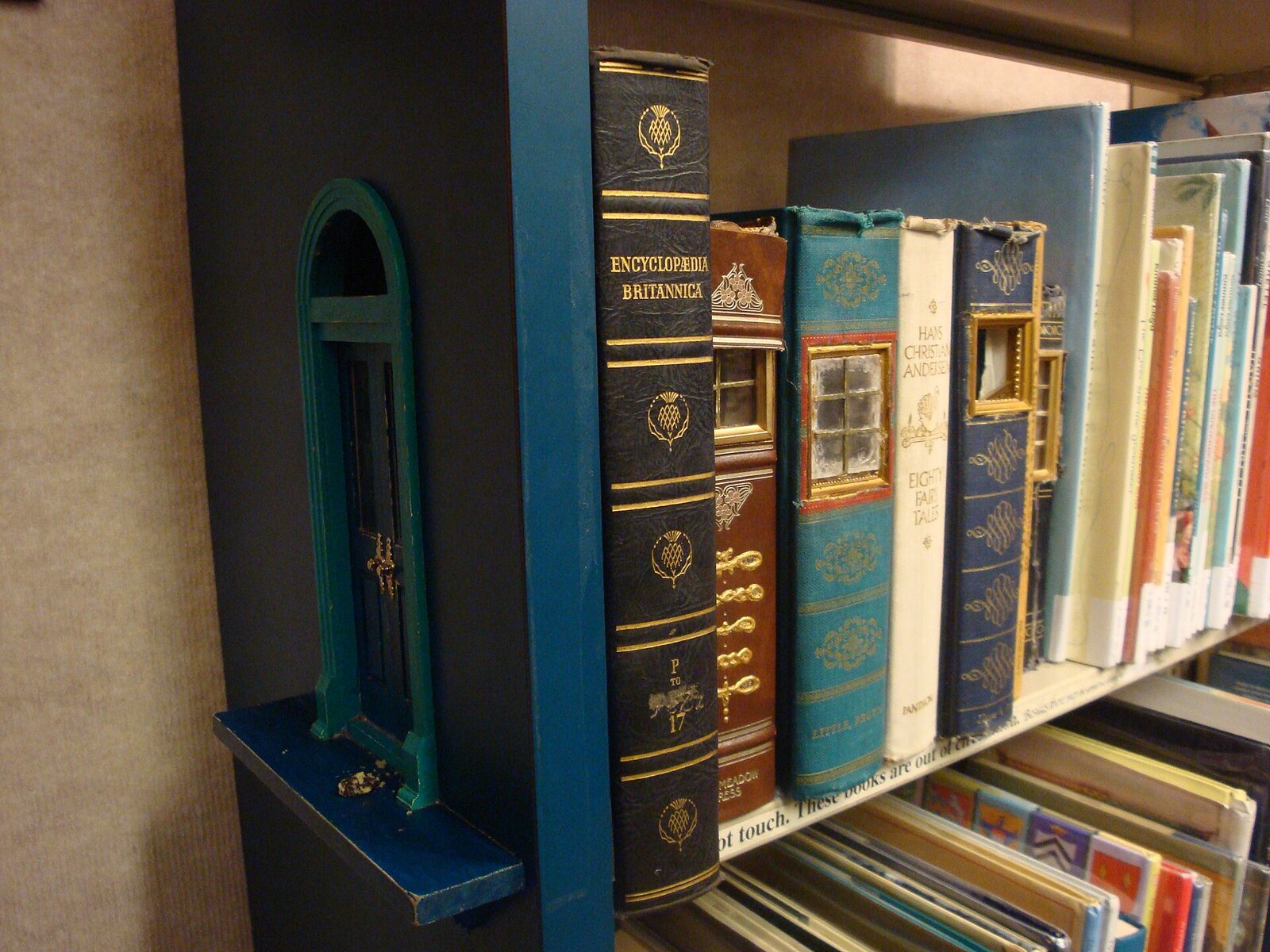
A huge Want to Read shelf is good at remembering books and bad at helping you choose one. MyBibliotheca turns a TBR into a more useful part of your reading tracker: organize books, set priorities, and keep an Up Next queue for the titles you are considering now. Create a free account and make your saved books easier to use.
Give your TBR a little structure
When every saved title sits in one long list, the book you want can be hard to find. Start by grouping books into lists that match the way you choose: by mood, genre, season, or who recommended them. Add priority to distinguish “read soon” from “maybe someday,” and keep a short Up Next selection for decisions you are ready to make.
A note about why you saved a title can help too. Was it recommended by a friend? Did you see it mentioned in an article? That context makes an old TBR entry easier to evaluate later. For setup details, read the My TBR help page.
Bring your existing Want to Read books
You do not need to re-enter a Goodreads or StoryGraph list one title at a time. Export a supported CSV and use the library import guide to get your books into MyBibliotheca. Then sort the titles you are excited about into lists and decide what belongs Up Next.
Make the next choice easier
Your TBR does not have to be a promise to read every book. It can be a menu that reflects your interests today. Start organizing your reading queue in MyBibliotheca, bring over your saved books, and choose one good next read.