Keep Books You Don't Plan to Read on a Private Shelf
2 minutes read
Not every book in a library is a book you plan to read. You may keep textbooks for reference, manuals for work, a cookbook you consult now and then, or a title you simply want to own without putting it on your reading queue.
Until now, the usual reading statuses could make those books feel out of place. Private gives them a clear home in MyBibliotheca.
A shelf for books outside your reading plans
Choose Private when adding a book, or change an existing book's status from its detail page. The book remains in your library, and you can find it by selecting the Private filter in My library or in the Bookshelves picker. It is not deleted or moved into a separate account.
Private books are omitted from your optional public reading page, are not sent as context for book recommendations, and are excluded from public site totals. Your own library remains the place to view and manage them.
Change a book's status whenever it changes roles
A textbook might be a reference book today and a planned read later. Open its detail page and choose another status when that changes. Your book record stays in your library while its category changes.
Private describes where a book appears in MyBibliotheca's public-facing features; it is not a promise of encryption or a replacement for account security. You can review the reading status guide and privacy and sharing controls.
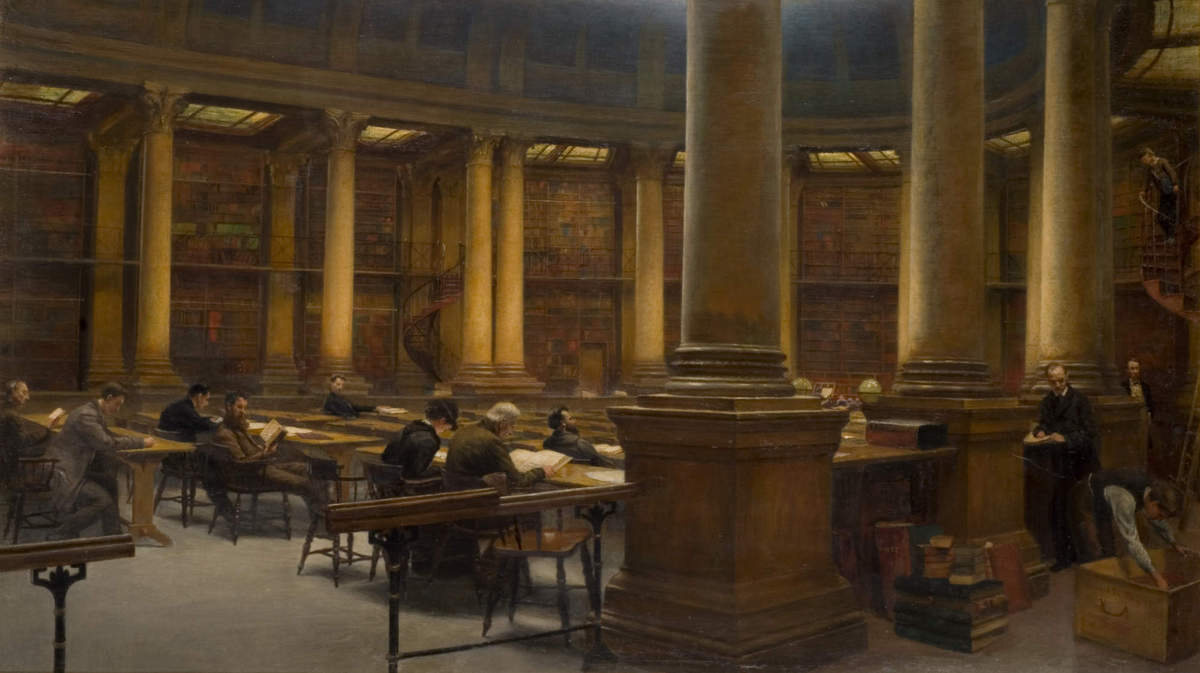
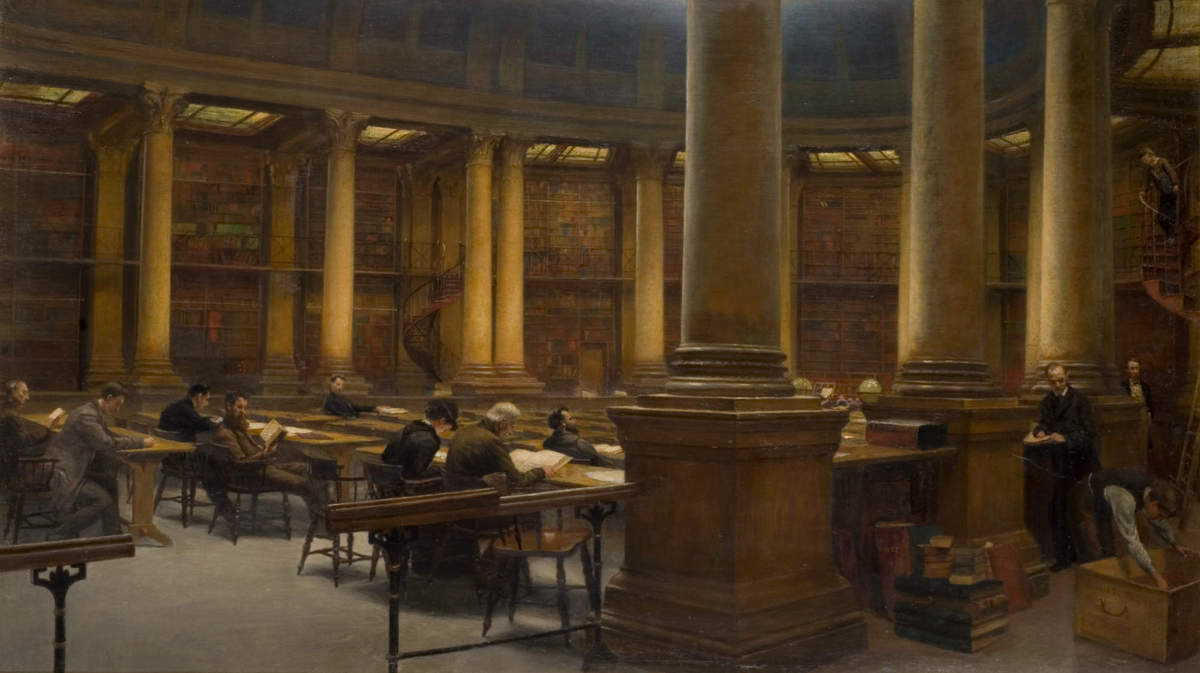
Feature image: “Birmingham Reference Library - The Reading Room” by Edward R. Taylor, public domain, via Wikimedia Commons.