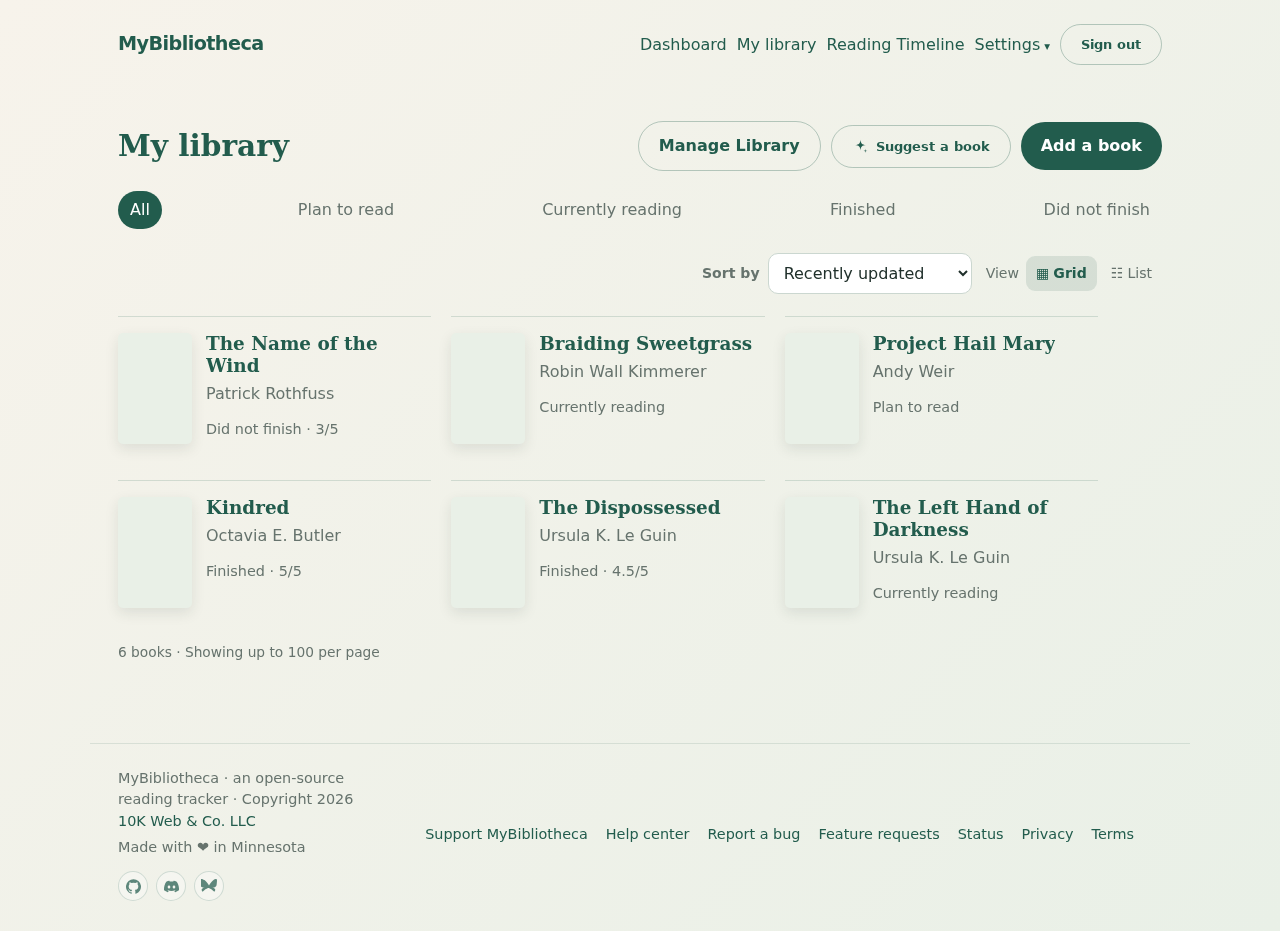
What each shelf means
Up next is for the books you want to reach for soon. Plan to read is for the rest of your TBR. Reading is for books in progress. Finished is for books you completed. DNF means you decided not to finish; it is a useful record, not a failure state.
Move a book to another shelf
- Open My library and select the book.
- Use the Reading status selector near the top of the book page for a quick move.
- Choose Update status. MyBibliotheca keeps your notes, rating, and reading history when the shelf changes.
Browse a shelf
On My library, use the status filters across the top to show All, Reading, Up next, Plan to read, Finished, or DNF. You can also switch between grid and list view and sort the results.
Good to know: Moving a book to Reading automatically records a start date when one is not already present. Moving it to Finished records a finish date when needed.