Download a copy
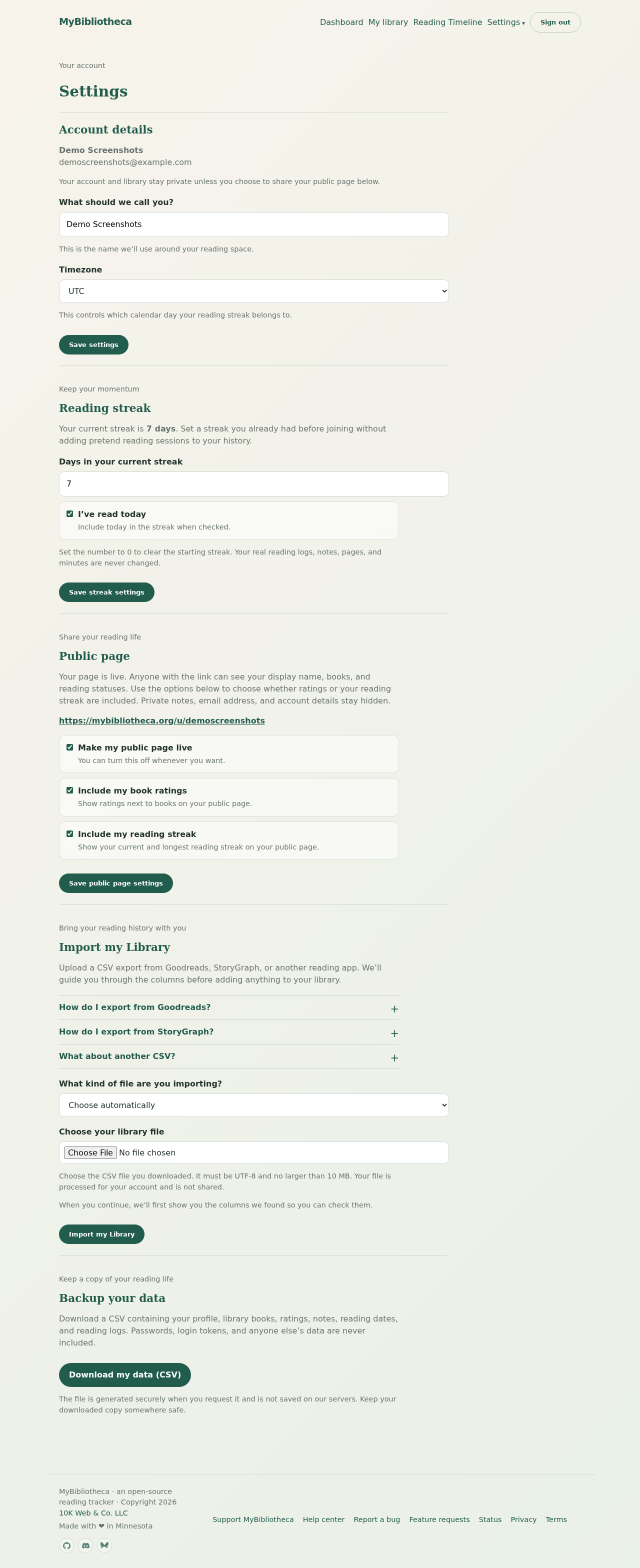
- Open Settings from the account menu.
- Scroll to Backup your data.
- Choose Download my data (CSV) and save the file somewhere secure.
What the export contains
The CSV includes your profile, library books, reading statuses, ratings, notes, start and finish dates, and reading logs. It does not include your password, login tokens, or another person’s data.
Keep your backup private
The file is generated when you request it and is not saved on MyBibliotheca’s servers. Treat it like a personal journal: store it somewhere you trust and avoid sharing it publicly.
Good to know: Make a backup before a large import or cleanup so you have a reference copy.