Read the calendar
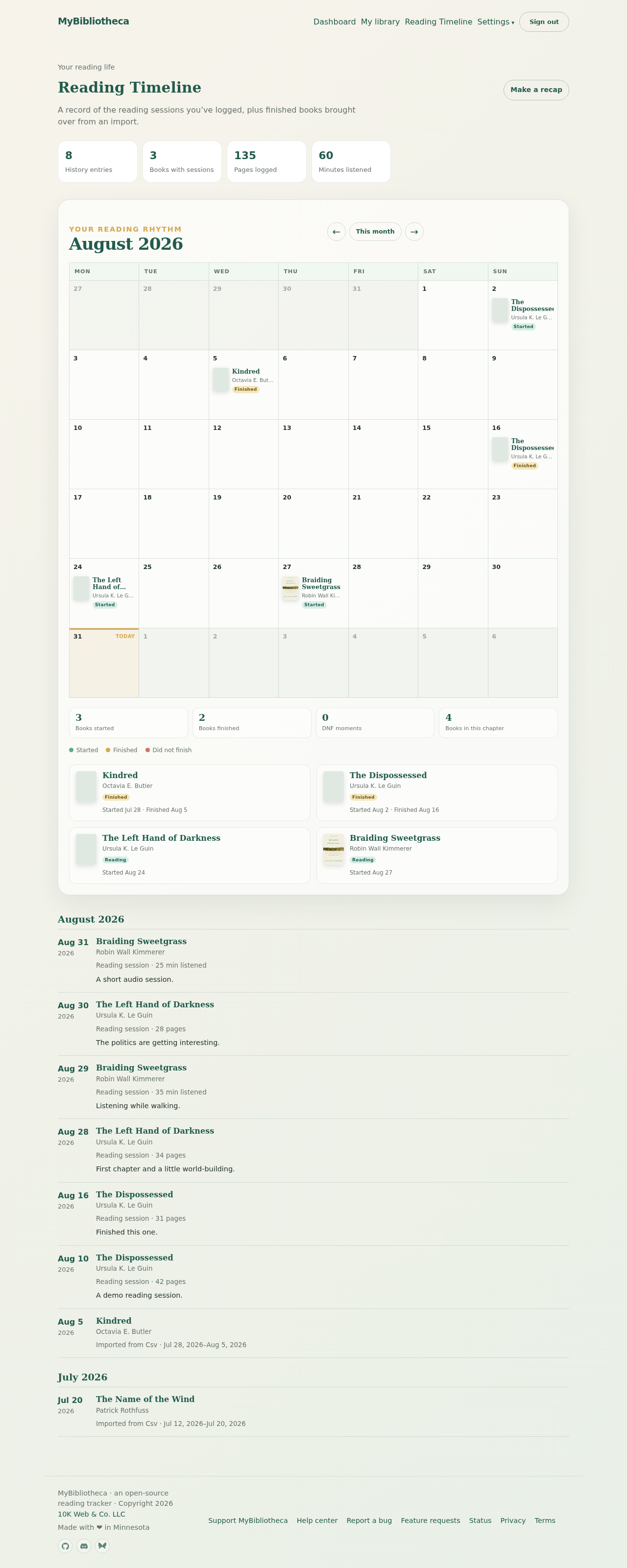
Reading Timeline opens on the current month. A book can appear on a day because you started it, finished it, marked it DNF, or logged a reading session. The legend below the calendar explains the color cues.
Move through months
- Use the previous and next controls around the month heading to browse.
- Use the month selector to jump to a specific month.
- Select a book in the calendar or the history list to open its detail page.
Filter the history
Search by book title or author, and use the year filter to narrow the dated list. Imported reading dates appear in the history even when no separate session was logged.
Good to know: Reading Timeline is a record of what you entered or imported; it does not infer pages from a finish date.