Before you begin
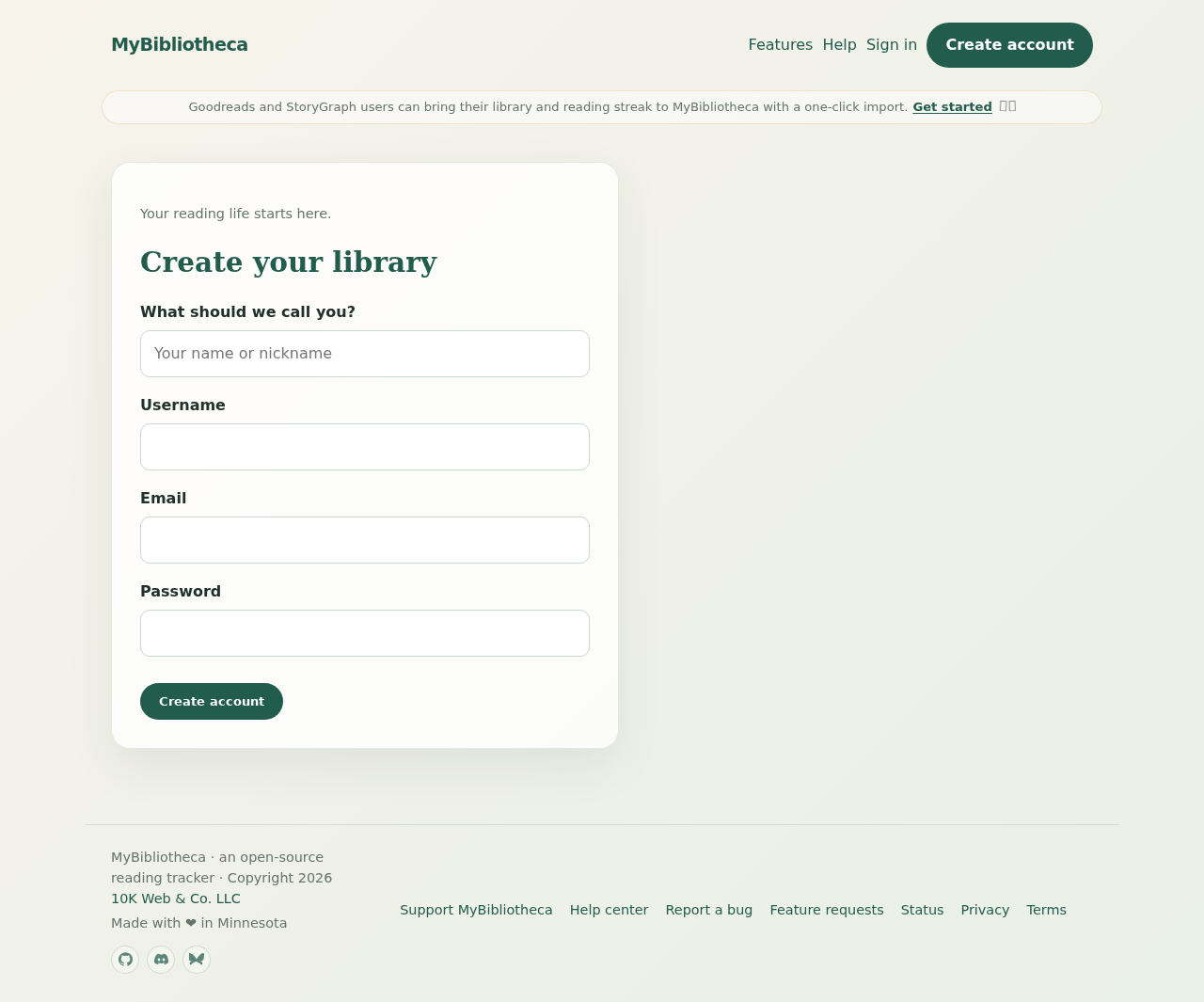
You will need a display name, a username, an email address, and a password of at least 12 characters. Your username becomes part of your optional public-page link, so choose something you are comfortable sharing.
Set up your reading space
- Choose Create account and enter your details.
- Verify your email if verification is enabled for the service.
- Choose where your reading life is coming from, then upload a Goodreads, StoryGraph, or other CSV export.
- Review the detected columns and default reading-status mappings before choosing Import and continue. Nothing is added before this confirmation.
- See your import recap, including books, ratings, and dated reading history, before setting preferences.
- Choose the formats you read, optionally carry in a streak, and decide whether your page stays private or becomes public.
- Give your library a name and finish setup. You will land in a dashboard with your imported books and a migration checklist.
What you can change later
Settings lets you update your display name, timezone, starting streak, public-page visibility, and import another CSV. You can also change individual book details from each book’s page.
Keep in mind: If you do not receive a verification email, check your spam folder and use Resend verification from the sign-in page.