A cover is missing or incorrect
Open the book and choose Change this cover. Search with the edition’s ISBN-13, then choose an alternate cover. If no provider has an image, the book remains usable with the default placeholder.
A session is not in my totals
Confirm that the session saved successfully, then check the date in Reading Timeline. Pages and minutes are counted separately, and a session needs at least one of the two values. Your timezone controls the account’s current day.
I cannot sign in
- Try the email address or username attached to the account.
- Use Forgot your password? to request a reset link.
- If the account needs verification, use Resend verification from the sign-in page.
- If the problem continues, send feedback with the approximate time and the page where it happened. Do not include your password.
Still stuck?
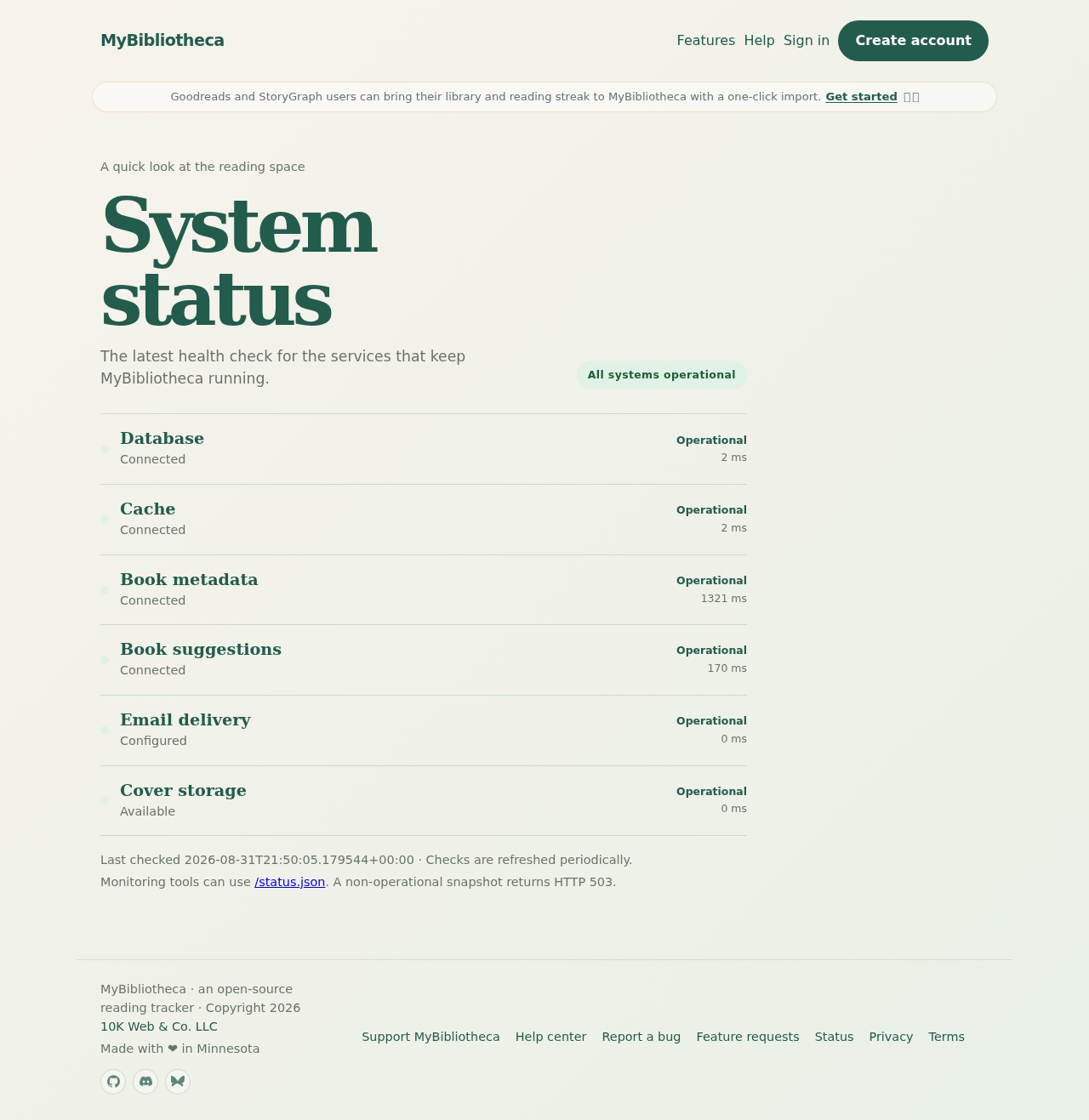
Check the public status page for an outage, then send a bug report from Feedback. Include what you expected, what happened, and whether you were on mobile or desktop.