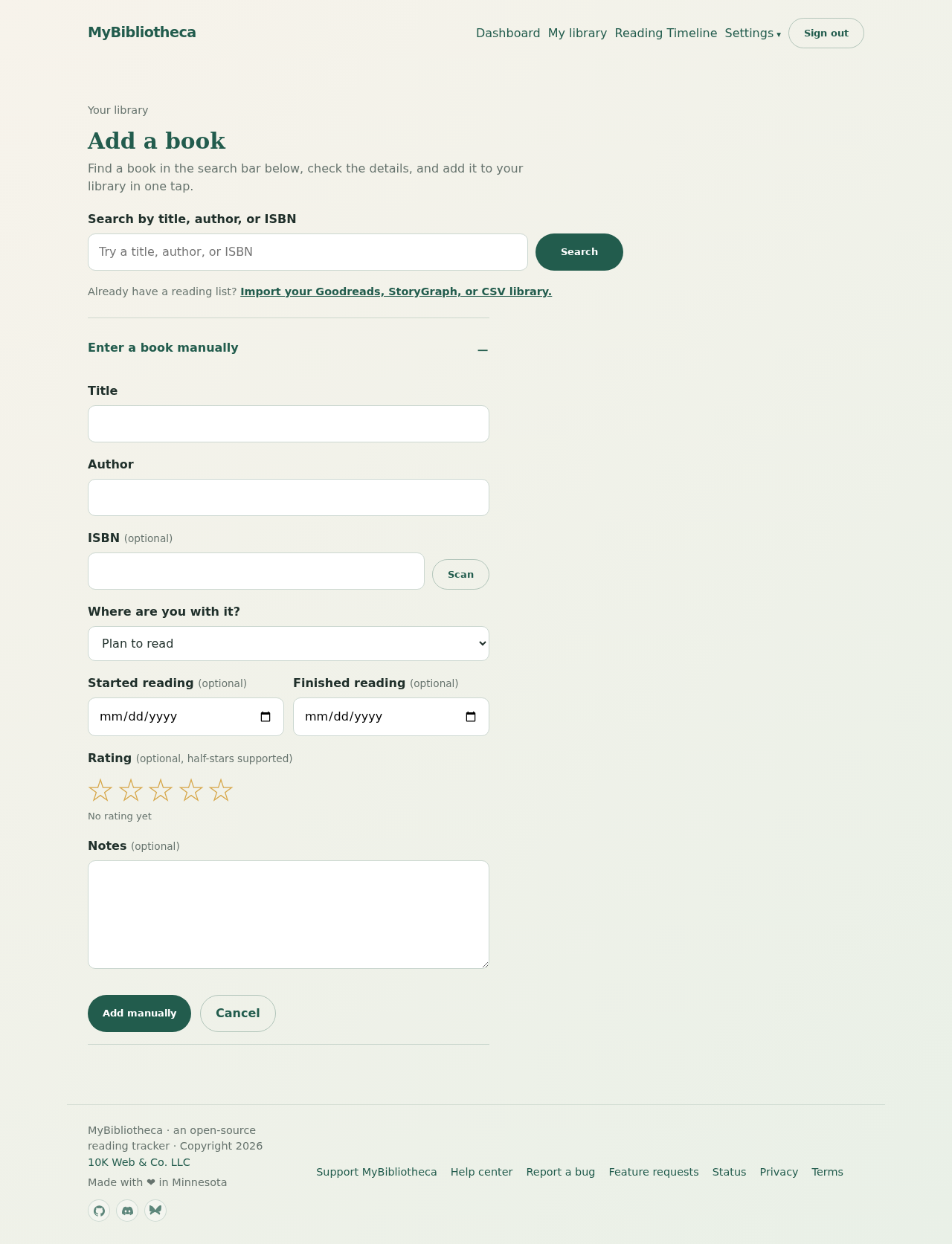
Search for a book
- Open My library, then choose Add a book.
- Search by title, author, or ISBN. Adding an author makes a broad title search more precise.
- Review the result and select the reading status you want before adding it.
- Choose Add to library. MyBibliotheca saves the title, author, ISBN, cover, and available catalog details.
Find a specific edition
Use the ISBN-10 or ISBN-13 when the edition matters. This is especially helpful for page counts and covers, since different editions can have different metadata.
Good to know: If a result has no ISBN, it can still be added from the title search. You can fill in or correct its details afterward.
Enter a book manually
- Open Add a book and scroll to the manual entry form if search does not find what you need.
- Enter at least a title. Author, ISBN, status, rating, and notes are optional.
- Save the book, then open its detail page to add dates, a cover, or more notes.
Keep in mind: A book already in your library will not be duplicated; MyBibliotheca sends you to the existing entry instead.