Update the record
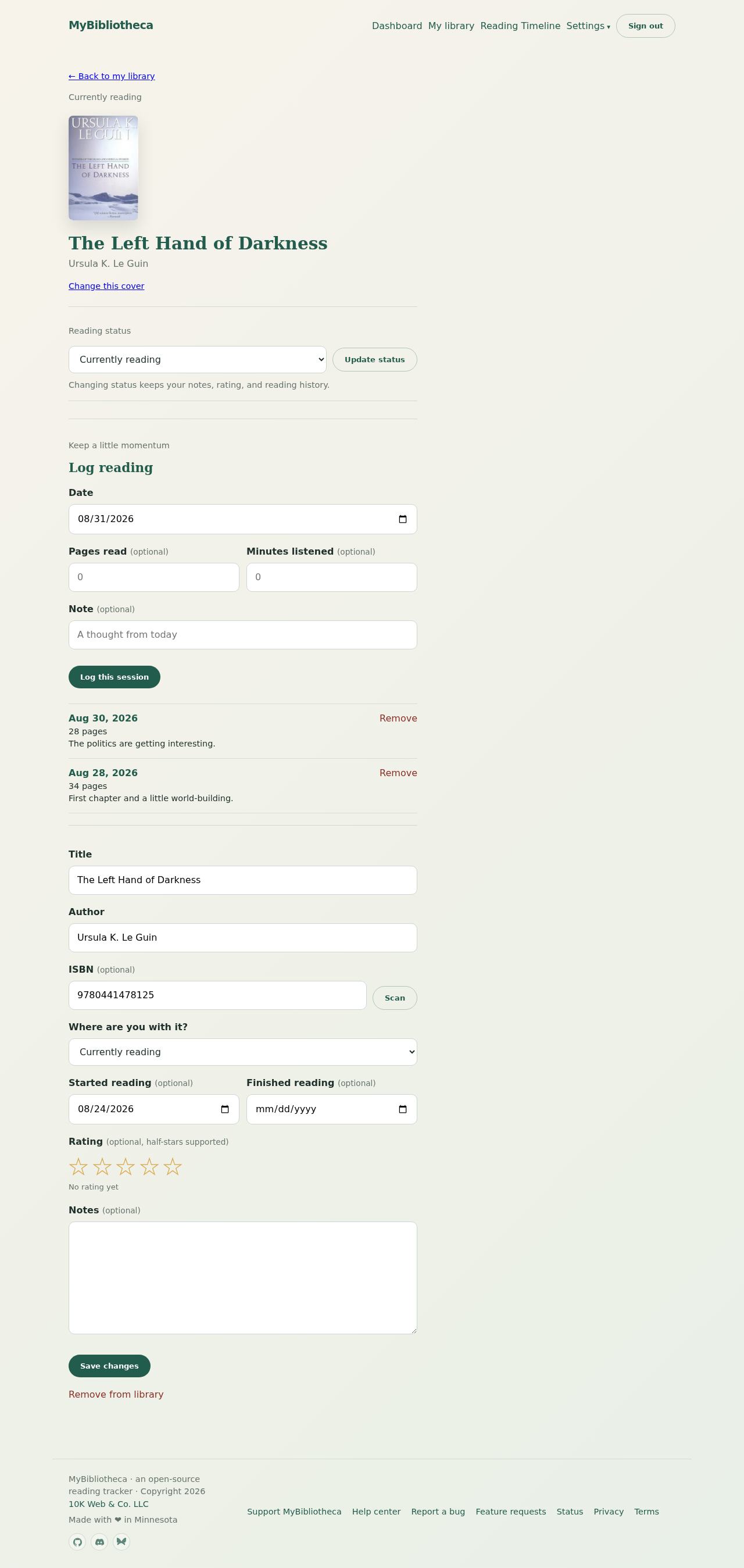
- Open the book from My library, Dashboard, or Reading Timeline.
- Edit the title, author, ISBN, reading status, start date, finish date, rating, or notes.
- Choose Save changes at the bottom of the form.
Use dates deliberately
Dates are optional, but they make Reading Timeline and finished-book recaps more useful. A reading session can also establish a start date automatically when the book does not have one.
Keep private notes private
Notes are part of your private library record. They are not shown on your public page, even when public sharing is enabled.
Keep in mind: Removing a book is a separate action at the bottom of the page. It is irreversible for that library entry, so use it only when you are sure.