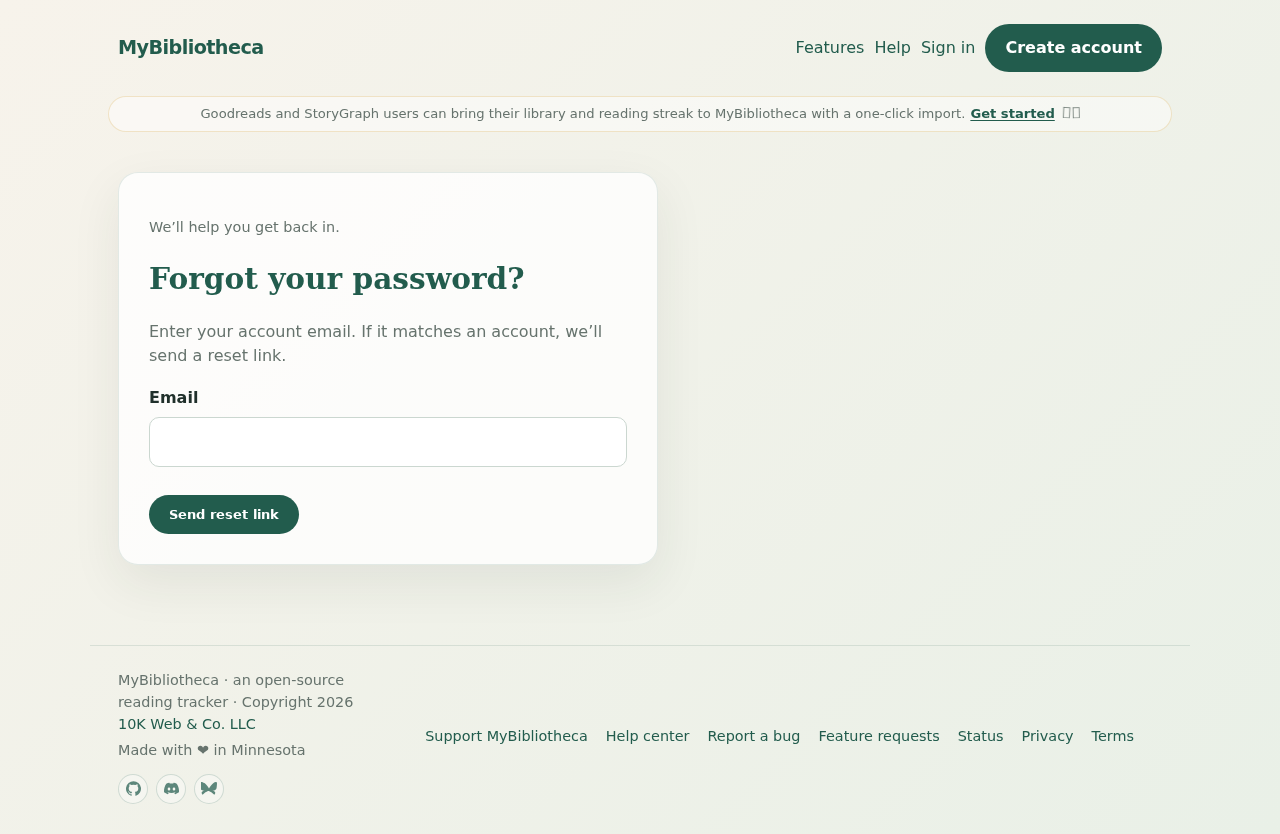
Reset a forgotten password
- Open the sign-in page and choose Forgot your password?.
- Enter the email address on your account and choose Send reset link.
- Open the email and follow its reset link before it expires.
- Choose a new password, then sign in again.
Verify your email
- Open the sign-in page and choose Resend verification.
- Enter the email address on your account and submit the form.
- Open the newest verification email and follow its link.
If the email does not arrive
Check spam or filtered folders, confirm that you entered the account email rather than only the username, and wait a few minutes before trying again. If you still cannot get in, send feedback with the page and approximate time of the problem; never include your password.
Keep in mind: For privacy, the recovery forms do not reveal whether an email address belongs to an account.