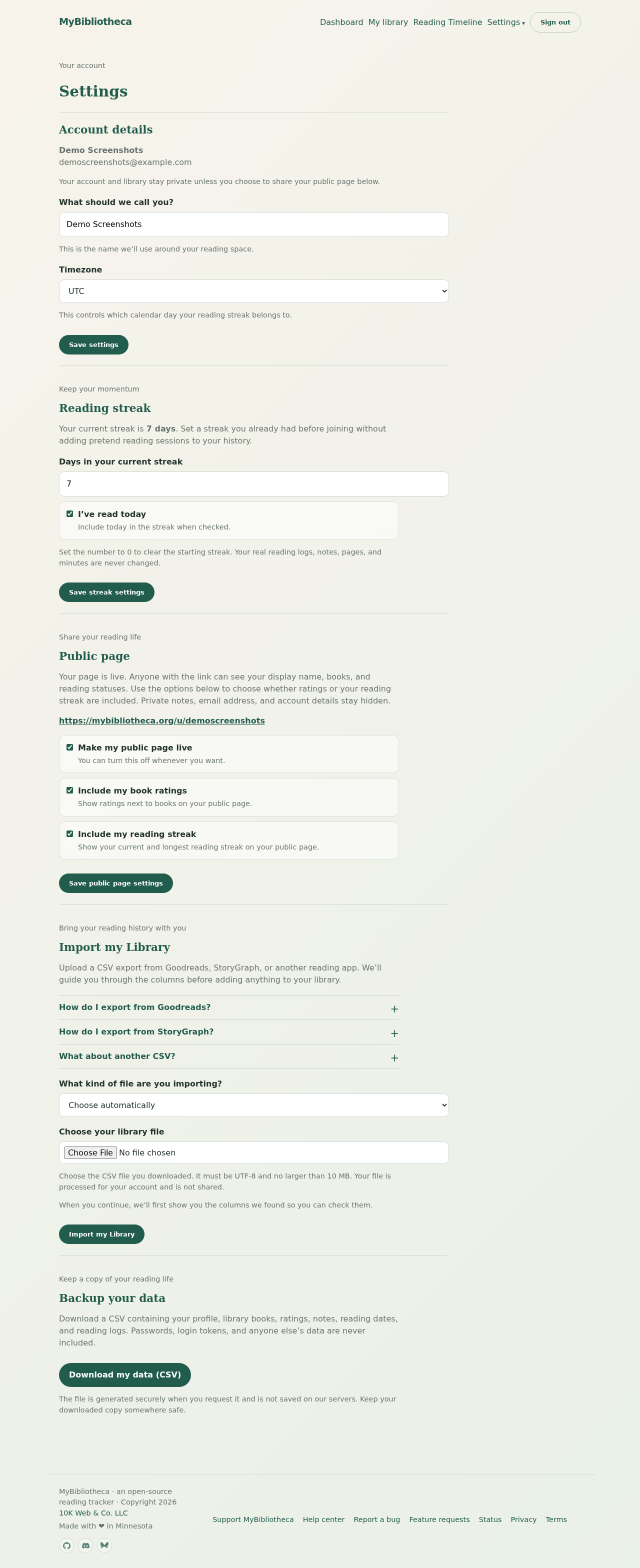
The file is rejected
Make sure the file ends in .csv, is UTF-8, and is no larger than 10 MB. Export a fresh file from Goodreads or StoryGraph if the original was opened and saved by a spreadsheet program in another format.
The wrong columns were guessed
- On the review step, use each dropdown to choose the column that actually contains that value.
- Map a title column first; it is the only required book field.
- Choose Do not import for fields that are absent or ambiguous.
- Open Preview the detected values before you run the import.
Books or dates look wrong
Check the source selector and date mappings. Goodreads Date Read is used as the finished date. For another CSV, select the columns that already contain the start and finish dates; do not type dates into the mapping screen.
Keep in mind: The staged review step does not add books. If the preview is not right, choose Choose a different CSV and start over.