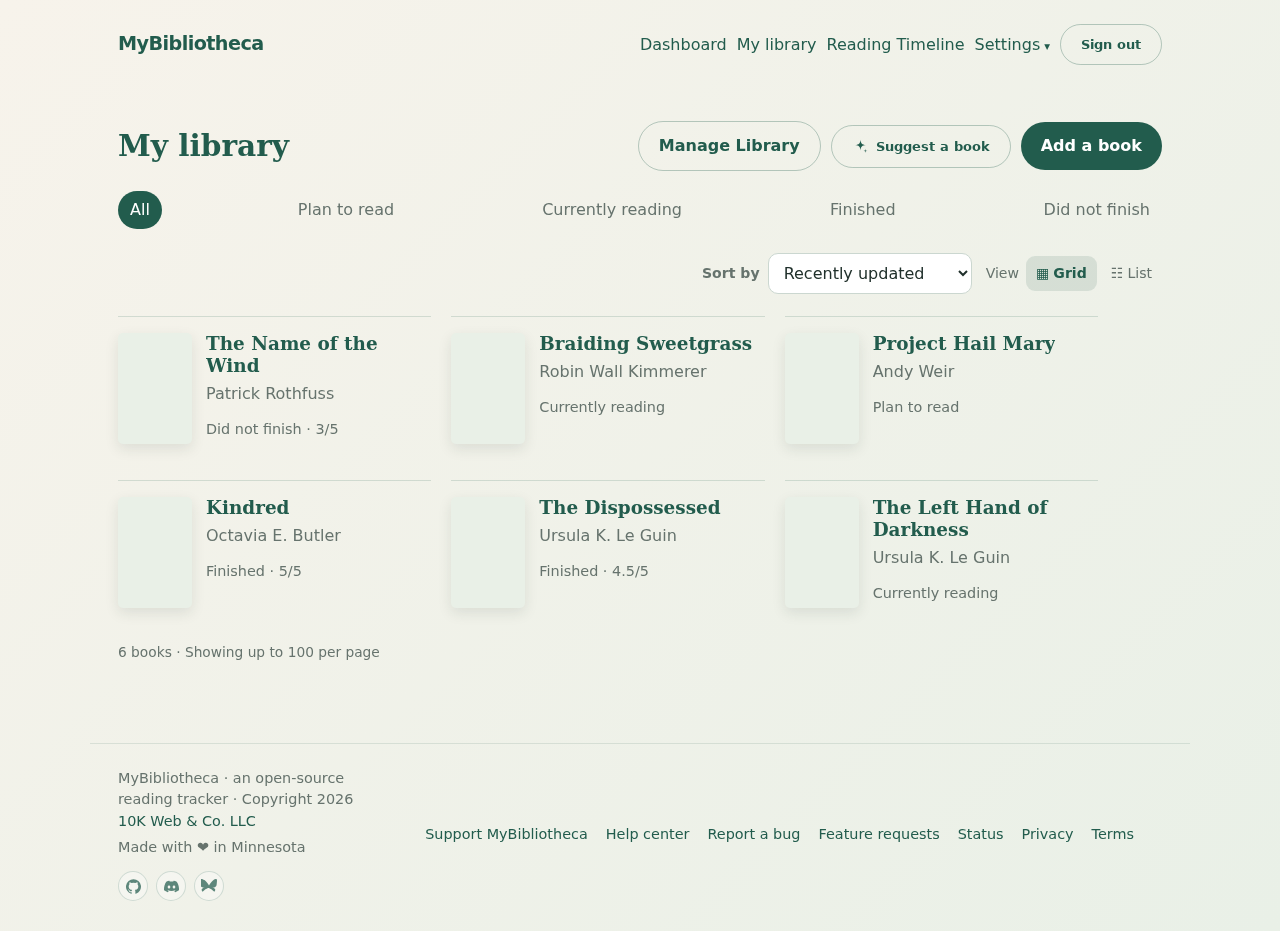
Request suggestions
- Open Dashboard or My library.
- Choose Suggest a book.
- MyBibliotheca uses recent books from your library to request three suggestions.
- Review the reason for each suggestion and choose Add to library when one sounds right.
What gets added
A recommendation is added to your Plan to read shelf. The title and author come from the suggestion, and a cover is included when one is available.
Good to know: Recommendations are a starting point, not a verdict. You can edit the title, author, status, cover, rating, and notes after adding the book.